

Most toy store registries die a quiet death. Someone sets one up before the holidays, gets three registries created, two of them never bought from, and by February nobody at the counter remembers where the registry list even lives. The idea was good. The flow was broken.
The problem almost never comes down to the registry feature. It comes down to friction — at signup, at gifting, at checkout — plus a total blind spot around age-appropriateness that quietly drives up returns after birthdays and holidays. A registry that's easy to create but hard to buy from is worse than no registry at all, because it burns staff time and produces zero conversions.
Here's where a toy store gift registry actually leaks, and how to build a version that a busy grandparent can complete on their phone in the parking lot.
The three moments where registries fall apart
A registry isn't one workflow. It's three, and they each fail in different ways.
1. Creation (the parent, in-store or online). A mom is at the counter with a toddler melting down. If setting up a registry takes more than 90 seconds or requires her to think hard about SKUs, she's not doing it. She'll say "email it to me" and never open the email.
2. Gifting (the aunt, grandparent, family friend). This is the person who actually spends money, and they're usually the least tech-comfortable of the group. If the registry link dumps them into a login wall, a clunky search, or a page that doesn't clearly say "buy this and we'll mark it off," they abandon and grab a generic gift card instead. You lose the sale and the margin.
3. Fulfillment + checkout (your team). Someone buys a registry item in-store, nobody marks it off the shared list, and two people buy the same $60 building set. Now you've got an awkward duplicate and a probable return.
Each of these is a friction problem, not a technology problem. The fix is designing the flow so the least-motivated person in the chain can still complete their step.
Why age-safety tagging belongs inside the registry (not after)
This is the piece almost every toy store misses: registries generate a disproportionate share of returns, and most of those returns are age-mismatch returns.
Never run out of bestsellers again.
GoToyvio helps you monitor inventory and sales to keep your shelves stocked and customers happy.
- Real-time stock tracking
- Automated reorder alerts
- Sales and promotion analytics
No credit card required
The pattern goes like this. A parent registers for a 4+ construction set for a kid who's turning 3 in six months. Grandma buys it early "to have it ready." Kid opens it, it's too advanced, small parts everywhere, back it comes. Or the reverse — someone buys up thinking they're being generous, and the toy sits ignored for a year.
When you bake age tags directly into the registry, you stop this at the point of gifting. Every registry item should carry:
-
The recommended age band (not just "3+" but the actual sweet spot, like "best for 3–5")
-
A small-parts / choking-hazard flag where relevant
-
A "grows with them" note for items that span multiple ages
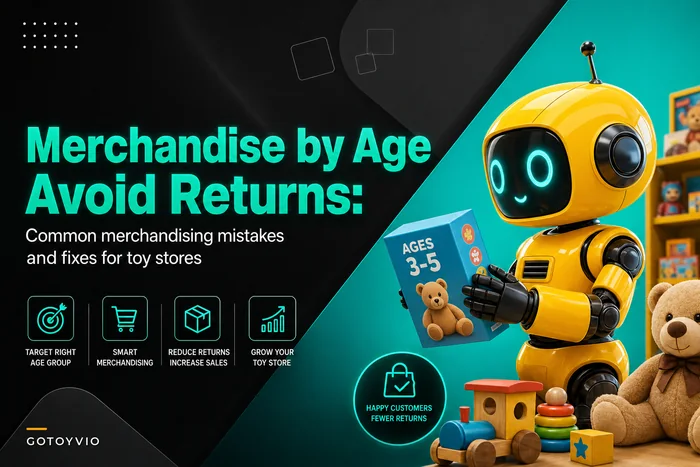
This connects directly to the merchandising logic covered in merchandising by age without creating returns — the same age-band discipline that reduces floor returns reduces registry returns, because you're catching the mismatch before the gift is purchased instead of processing it at the return counter.
A concrete example: a store running roughly 40–60 active registries during the holiday window was seeing registry-driven returns around 12–15%. Adding a visible age band and a small-parts flag to each line item pulled that down to somewhere around 6–7% over the next two seasons. Not zero, but across 200+ registry gifts that's real money and real counter time saved.
The in-store vs online capture decision
Where you capture the registry matters more than most stores expect, because it changes who's doing the data entry and how much friction they'll actually tolerate.
| Scenario | Best capture method | Why it works | The trap to avoid |
|---|---|---|---|
| Parent in-store with kids | Staff-assisted, scan-as-you-go | Parent points, you scan, done in under 2 min | Making them fill out a form at the counter |
| Parent at home, planned | Online self-serve link | They have time, no pressure | Requiring account creation before they see value |
| Grandparent buying in-store | Staff pulls up registry by name/phone | No app needed, staff drives it | Assuming they'll "check the website" |
| Grandparent buying online | Direct shareable link, guest checkout | One tap to the list, no login | A login wall between them and the buy button |
The single biggest online mistake is forcing account creation before someone can see or buy from a registry. Every login wall is a leak. Gifters especially should be able to land on a registry, see clearly-tagged items, and check out as a guest. You capture their info at checkout, not as a toll before they can even see the list.
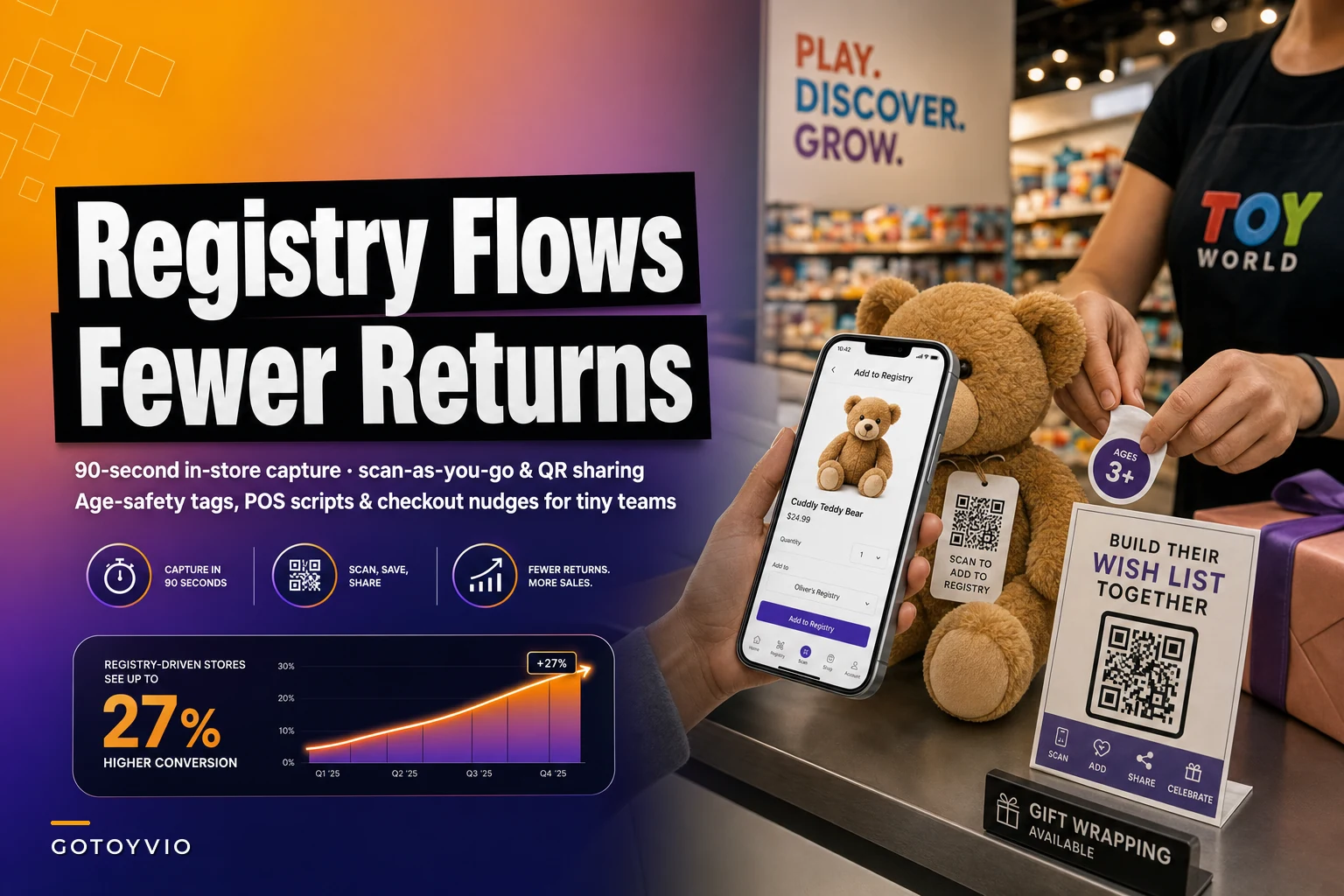
For in-store creation, the winning move is scan-as-you-go. The parent walks the floor, points at what they want, and a staff member scans each item straight onto the registry. Faster than any form, keeps SKUs accurate, and it feels like a service instead of paperwork. It also naturally surfaces age tags because your team is literally looking at the box while they scan.
A 90-second in-store registry flow (the actual script)
Speed matters at the counter. Here's a flow tight enough to run on a busy Saturday:
-
Ask the anchor question. "Is this for a specific birthday or occasion? I can set up a quick list your family can shop from." Frames it as a benefit, not a data grab.
-
Capture the minimum. Name, phone number, and the kid's upcoming age at the event. That's it. Everything else is optional.
-
Scan-as-you-go. As they shop or point, scan items directly onto the list. Confirm the age band out loud: "This one's best for 3 to 5 — good timing."
-
Set the share method. Text the link to their phone on the spot. Don't rely on email — text open rates are in a different universe for this.
-
Flag duplicates protection. Tell them plainly
"When someone buys off this, it gets marked so nobody double-buys." That one sentence increases registry sharing because it removes the fear of awkward duplicates.
Here's a quick visual of the flow if you want to train staff on it.

The POS script for the gifting side is even shorter. When a grandparent walks in:
-
"Are you shopping off a family list? What name or phone number is it under?"
-
Pull the registry, show what's still available, mark it off at checkout immediately.
That last step — marking it off at the moment of sale — is where most stores fail. If it doesn't happen inside the checkout flow, it doesn't happen.
Checkout nudges that convert without being pushy
The registry itself is a conversion tool if you treat checkout as a prompt rather than an afterthought. A few nudges that work well for small teams:
-
At in-store checkout for parents "Want me to start a registry for [kid's] birthday? Takes about a minute." Best triggered when you see a birthday-adjacent purchase or the customer mentions an upcoming event.
-
At online checkout a single optional line — "Shopping for an upcoming birthday? Create a list your family can shop from." One click, not a popup blocking the sale.
-
Post-purchase, for gifters "Want to be reminded next year? We can note the date." Quietly ties registries into the recurring family-buying rhythm and builds repeat visits.
Keep it to one nudge per interaction. The fastest way to kill registry adoption is turning every checkout into a pitch. One well-placed question converts better than three.
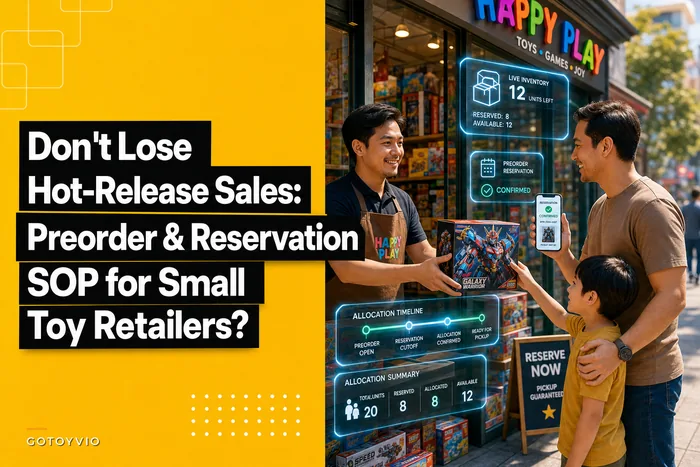
The reservation angle matters here too — if a registry item is a high-demand toy that might sell out, treat it with the same discipline as a preorder. The preorder and reservation SOP for small toy retailers covers how to hold and communicate on scarce items, and registries create the exact same "is it still available?" anxiety for gifters buying weeks in advance.
The templates that keep a tiny team consistent
You don't need a CRM to run this well. You need three reusable pieces so it doesn't collapse when your best employee is out:
Registry setup card (physical or POS note): Name, phone, occasion date, kid's age at the event, share method. Laminate it. New staff can run a registry on day one without asking anyone.
Age-tag cheat sheet: A one-pager mapping your top-selling categories to real age sweet spots and small-parts flags, so anyone scanning items can confirm age bands out loud without guessing or flipping the box around three times.
Gifter confirmation text template: "Thanks for shopping [Name]'s list! Your gift is marked off so no one double-buys. See you soon 🎁" — sent right after a registry purchase. It reassures the gifter and reinforces that the system actually works.
Keep one laminated setup card at each register for quick reference during busy shifts.
Where lightweight operational software helps here isn't anything flashy — it's keeping the shared registry list synced across the floor and the counter so marking an item off happens automatically at checkout, and so age tags travel with each SKU instead of living in someone's memory. When the "mark it off" step is built into the sale rather than depending on a staffer to remember, the duplicate-purchase problem largely solves itself.
A short real scenario
A single-location store, two full-time staff plus weekend help, ran registries on a shared spreadsheet. During the holidays they'd juggle 30–40 lists. Two recurring problems: duplicate gifts (one or two per week in December) and age-mismatch returns landing right after the holidays.
They changed three things. Scan-as-you-go creation at the counter. Age bands on every registry line. And a hard rule that registry items get marked off inside the checkout, every time, no exceptions.
Over the next season, duplicate purchases basically stopped being a weekly complaint, registry participation grew because parents trusted the no-double-buy promise, and post-holiday returns dropped by roughly half. Nothing dramatic happened to revenue overnight. But counter time spent on returns and awkward duplicate conversations went way down, and more families came back the following year to start a new list.
When a registry is worth it — and when it isn't
It makes sense when: you have repeat family customers, a solid mix of birthday and holiday gifting, and average tickets high enough that duplicates and returns actually hurt. Most independent toy stores fit this.
It's a bad idea when: your inventory turns so fast that registered items are constantly out of stock. A registry full of unavailable items is worse than none — it trains gifters to give up and go elsewhere. Fix availability and reservations first.
Who should skip it for now: a store with high staff turnover and no written flow. Without the setup card and the checkout-marking rule, a registry becomes a source of errors instead of sales. Get the templates in place before you promote it.
A registry that works isn't really about the software you pick. It's about removing friction at every handoff — the distracted parent, the grandparent who doesn't want to create an account, the staffer slammed on a Saturday — and putting age-appropriateness in front of the buyer before the wrong gift gets purchased. Get those two things right and the registry stops being a feature nobody uses and starts being one of the quieter drivers of repeat family business you've got.
A registry that works isn't really about the software you pick. It's about removing friction at every handoff — the distracted parent, the grandparent who doesn't want to create an account, the staffer slammed on a Saturday — and putting age-appropriateness in front of the buyer before the wrong gift gets purchased. Get those two things right and the registry stops being a feature nobody uses and starts being one of the quieter drivers of repeat family business you've got.
Ready to elevate your toy store operations?
Join 500+ toy retailers using GoToyvio to increase sales, reduce stockouts, and enhance customer loyalty.